It confirms a referral
When an architect or past client passes your name along, the owner searches it. Your profile is the first proof you exist, hold a license, and finish work that looks like theirs.
 Sites/ General contractors · Google Business Profile
Google Business Profile management · General contractors
Your map listing is often the first thing an owner checks after an architect says your name. Make it look like the contractor who runs organized jobs.

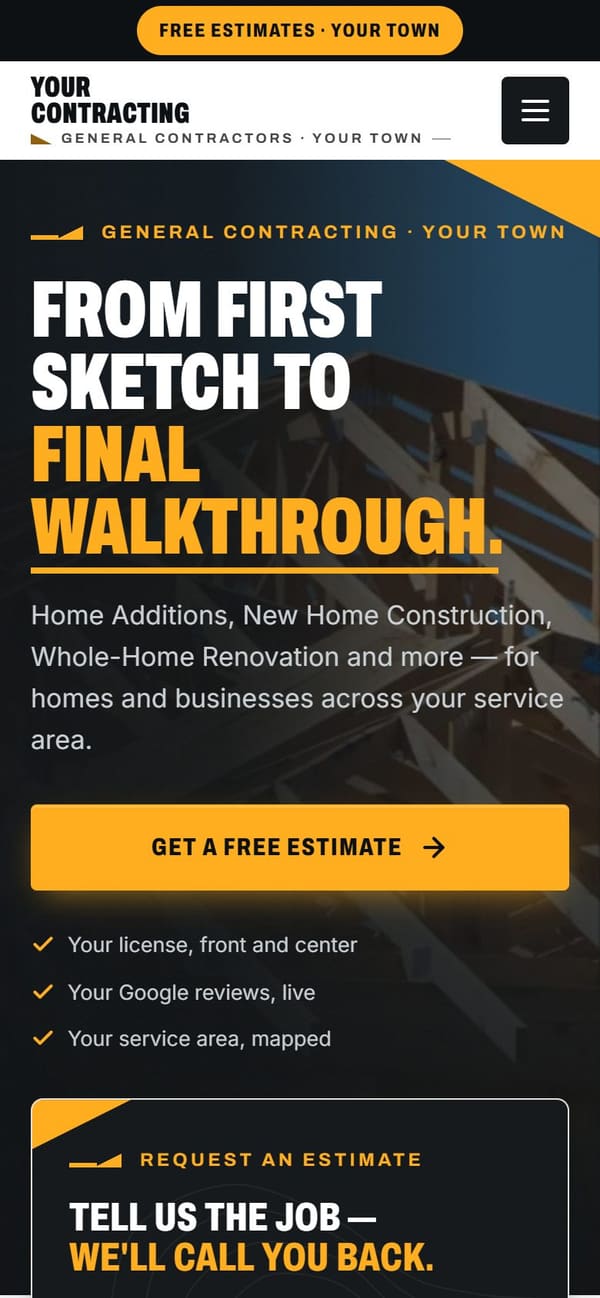
Vevang Sites sets up and runs your Google Business Profile: primary and secondary categories, service list, service area, hours, project photos, posts and Q&A. We connect it to your website so the listing and the site tell the same story, then keep it current every week.
Why it matters
When an architect or past client passes your name along, the owner searches it. Your profile is the first proof you exist, hold a license, and finish work that looks like theirs.
Owners planning an addition browse the map for weeks before calling anyone. A profile with real project photos and recent posts keeps you on the shortlist through that long stretch.
Categories, service area and site links on the profile shape how Google and AI assistants describe your company. Vague entries produce vague answers about what you build.
What we do
General contractor as the primary, then secondary categories for the work you actually take: home addition, kitchen remodel, custom home, commercial. We leave off categories that bring handyman calls you do not want.
List the towns and counties where you run jobs and can supervise subs daily. We hide the street address if you work from a yard or home office, and keep the area honest.
Whole-home renovations, second-story additions, commercial build-outs, permit management. Each service gets a short description that names scope and the kind of owner it fits, matching the pages on your site.
Exteriors, framing stages, finished kitchens, a clean job site, your crew and truck. Owners judge trim detail and site tidiness from photos. We caption and refresh them as projects wrap.
Post Q&A entries on budget ranges, typical timelines, whether you do design-build, and how you handle permits and change orders. These answer what owners hesitate to ask on a first call.
Links point to the matching service page, not just the homepage. Name, address, phone and service area agree everywhere, and calls from the listing are tracked so you know what the map produced.
Common mistakes
Contracting is not a 2am trade. Posting about fast response and 24/7 availability attracts repair calls. Post about a finished addition, a permit approval, a build-out you just turned over instead.
A stale gallery says slow year. Owners notice. Add photos as jobs finish, including the unglamorous ones: site protection, framing, a tidy driveway at the end of a day.
You added commercial build-outs two years ago but the profile still says residential remodeler only. The listing should match the work you want next year, not the work you did when you registered.
When you are busy, the profile goes quiet. The research phase for your next client is happening right then. Regular posts keep you visible while the current job runs.
Checklist
How it works
You don’t sign anything to see it. Book a time, and your demo is ready before we talk.
Pick a time — often the same day. Tell us your website, or just your business name and city.
Before the call, we build a demo of your new website from your real business: your services, your area, your reviews.
We walk you through the demo on the call. You see exactly what you’d get before you spend anything.
We build it for real and put it live. After launch, the SEO Ranker agent keeps improving it every week.
Questions
If clients never come to you, hide the address and set a service area. Most contractors work from a home office, yard or shop. A hidden address with an accurate service area is the normal setup and does not hurt you. If you run a showroom or design studio people visit, show it and set real hours.
Post project milestones. Demo starting, framing up, cabinets installed, final walkthrough. One job produces months of posts. You can also post about permit processes, how you schedule subs, or a material choice you made and why. Owners in research mode read this as evidence you run organized projects.
No one can guarantee rankings, and we will not claim otherwise. A complete, active profile with accurate categories, real photos and steady reviews gives you the best shot at showing in the map for your area. Vevang keeps it current weekly and tracks the calls it produces so you see what it does.
Ask at the final walkthrough, when the work is fresh and the owner is standing in the finished space. Vevang sends the request by text or email so the client has the link on their phone. Ask every client, not a selected few. We draft replies to every review you receive.
Yes. If the map says you do custom homes and the site only shows bathroom remodels, both look unreliable. We keep categories, services, service area, phone and hours identical across the profile and the site, and link each listed service to the page that explains it.
You can seed questions on your own profile and answer them. Use the questions owners actually ask on first calls: what a project like this costs, how long permits take, whether you handle design, how you price change orders. Vevang writes and maintains these using your real answers.
Yes. We audit what is there, fix categories, rewrite the service list, clean out old photos, correct the service area and resolve duplicate listings where they exist. You keep ownership of the profile. We manage it as part of the weekly work on your site.
We build a demo of your new website before we talk, using your real project types and service area. On the call we walk through it, look at your current profile together, and point out what is holding it back. You decide from there. No prep needed on your end.
More for general contractors
Reviewed 2026-09-24
Your demo is free
Tell us your website — or your business name and city — and pick a time. We’ll have your demo ready before we talk.