Few jobs, big tickets
Excavation revenue comes in fewer, larger jobs than most trades. One lot clearing or foundation dig can carry a month. That changes how you judge ads: watch bid requests and booked jobs, not click counts.
 Sites/ Excavation · Local ads
Local ads management · Excavation
Paid search and social for land clearing, grading, drainage and site prep. The website and organic work come first; ads are the add-on that turns on when you want more dirt work booked.
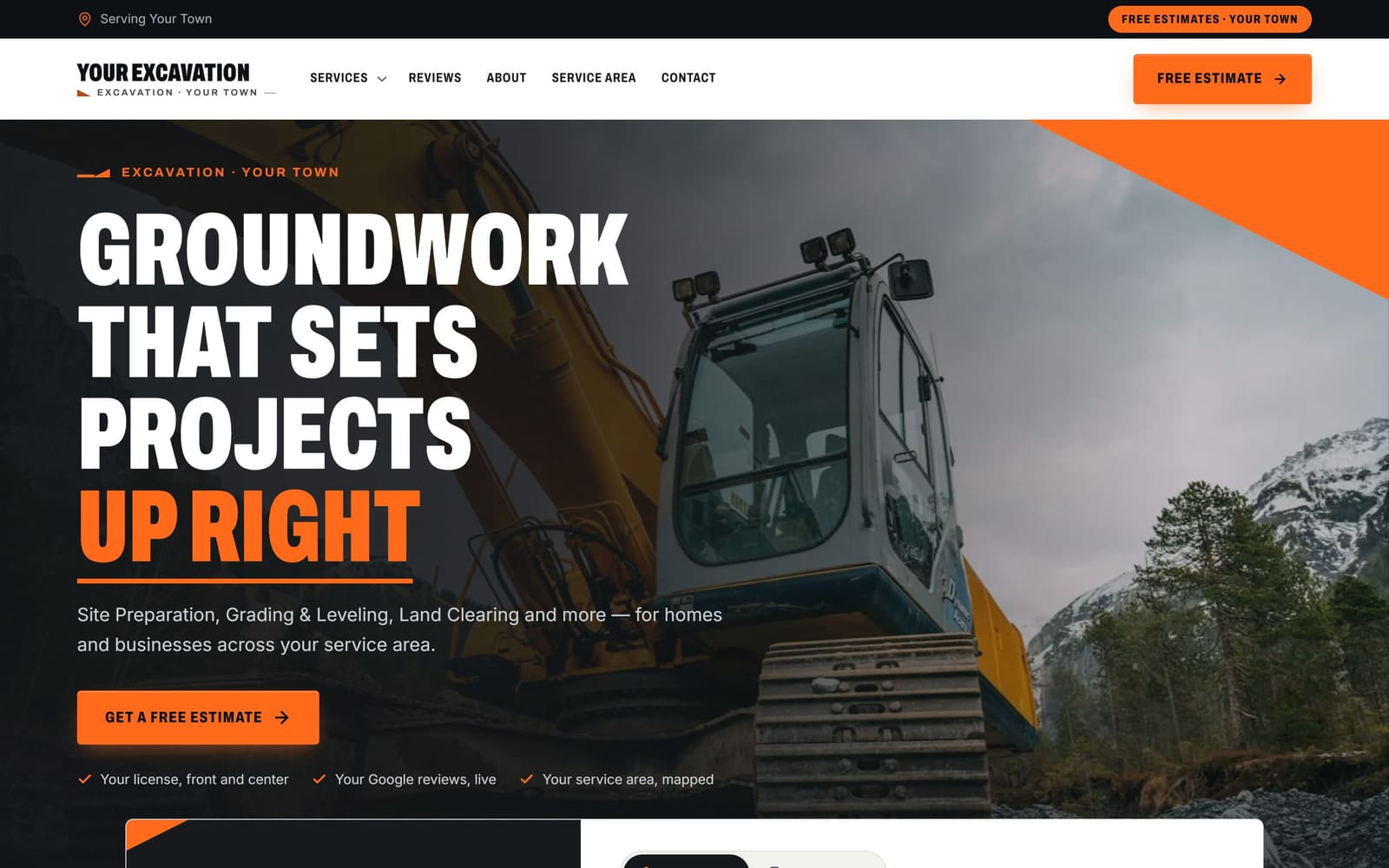
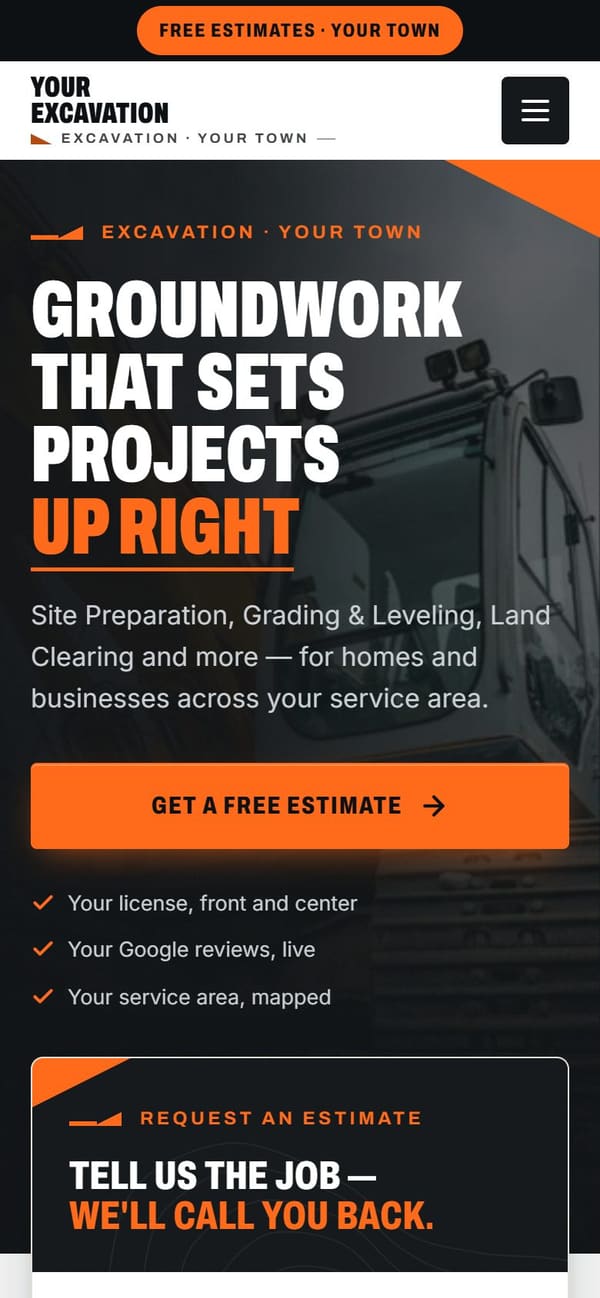
Vevang Sites builds your excavation website first, then runs local Google and Meta ads pointed at pages that convert. Ad spend goes on your card, never ours. We write the ads, cut the wasted clicks, and track calls and form fills back to the jobs you actually bid.
Why it matters
Excavation revenue comes in fewer, larger jobs than most trades. One lot clearing or foundation dig can carry a month. That changes how you judge ads: watch bid requests and booked jobs, not click counts.
After heavy rain, homeowners search for drainage and grading help the same week. Ads let you show up on those days without waiting for organic pages to catch up, then go quiet when the ground dries.
A builder looking for a sub checks equipment, insurance and finished sites. Ads get you in front of them; the page you send them to has to answer those three things before the phone rings.
What we do
We point ads at a specific page, not the home page. Drainage clicks land on the drainage page with cause explained plainly. Builder clicks land on a page listing machines, insurance and trenching capability.
Mobilizing a machine eats the margin on a distant small job. We set ad radius around your yard by haul time, then split budgets so nearby towns you want more work in get their own coverage.
Excavation search terms are full of noise: equipment rental, machines for sale, operator jobs, attachment parts, free fill dirt. We block those from day one and keep adding as the search term report fills in.
Homeowner searches for yard drainage and driveway cut-ins need different words and different landing pages than plans-in-hand builder searches. Separate campaigns let you shift budget toward whichever side your season needs.
Before-and-after photos of a regraded yard or a cleared lot work well in a local feed. We use Meta for land clearing, drainage and demo, targeting property owners in your haul area.
Every ad call and form gets tracked, so you can see which campaign produced the site visit and which produced tire kickers. We review it weekly and move spend toward what books.
Common mistakes
A builder clicks, sees no machine sizes, no trailer, no insurance note, and leaves. Paying for that click twice a day adds up. List what you own and what you can get before you spend a dollar.
When the ground is frozen or soaked, clicks keep costing and jobs stop closing. Plan a seasonal calendar, throttle spend in dead weeks, and push it back up when soil turns workable and builders line up subs.
"Excavator" pulls people shopping for machines, hunting parts and looking for operator work. Without negatives you fund a stream of clicks that can never become a job.
Twenty calls for stump grinding is worse than two calls for a basement dig. Score ads on quoted work and jobs won, not on how many times the phone lit up.
Checklist
How it works
You don’t sign anything to see it. Book a time, and your demo is ready before we talk.
Pick a time — often the same day. Tell us your website, or just your business name and city.
Before the call, we build a demo of your new website from your real business: your services, your area, your reviews.
We walk you through the demo on the call. You see exactly what you’d get before you spend anything.
We build it for real and put it live. After launch, the SEO Ranker agent keeps improving it every week.
Questions
Google Local Services Ads cover a set list of home service categories, and excavation is often not one of them. We check eligibility for your area and your related services. If you do not qualify, standard search ads and Meta carry the work, pointed at your service pages and tracked the same way.
You do, on your own card, directly to the ad platform. We build and manage the campaigns, but the account and the spend stay yours. You can see every dollar and every click, and you can turn spend up or down whenever your schedule changes.
No. Ads send strangers to a page, and if that page has no equipment list, no project photos and no bid form, you pay for clicks that leave. We build the site and the organic work first. Ads are an optional add-on once the pages can carry a visitor to a call.
No, and no one honestly can. Search volume for excavation swings with weather, building activity and who else is bidding in your area. What we can do is aim spend at the services you want, cut waste weekly, and show you which campaigns produced quoted work.
It can be for visual, homeowner-facing work. A short clip of a machine regrading a wet yard, or a cleared lot before and after, gets attention in a local feed. It works less well for builder subcontract work, where search ads and your project gallery do more.
Drainage searches climb for a week or two. We can raise budget on drainage and grading terms while demand is there, then pull back. Your drainage page should already explain what causes standing water, so callers arrive knowing you can diagnose it, not just dig.
Three ways. Radius set by haul time, negatives for services you do not want, and a bid form that asks about lot size, access, distance from the road and what is being built. Callers self-select, and you spend less time driving to jobs you would turn down.
We build a demo of your excavation website before we talk, using your services, service area and the kind of work you do. On the 15-minute call you look at it, tell us what is wrong, and we cover whether ads make sense for your season.
More for excavation
Reviewed 2026-09-24
Your demo is free
Tell us your website — or your business name and city — and pick a time. We’ll have your demo ready before we talk.