Vevang AISites/ Remodelers · Google Business Profile

Google Business Profile management · Remodelers

Your Google Business Profile, built for remodeling work

Homeowners find your map listing months before they have a budget or a drawing. Make it show the rooms you build and the way you work.

Pick a 15-minute time. Your demo is built before the call.

  • Your demo, built before the call
  • Improved every week
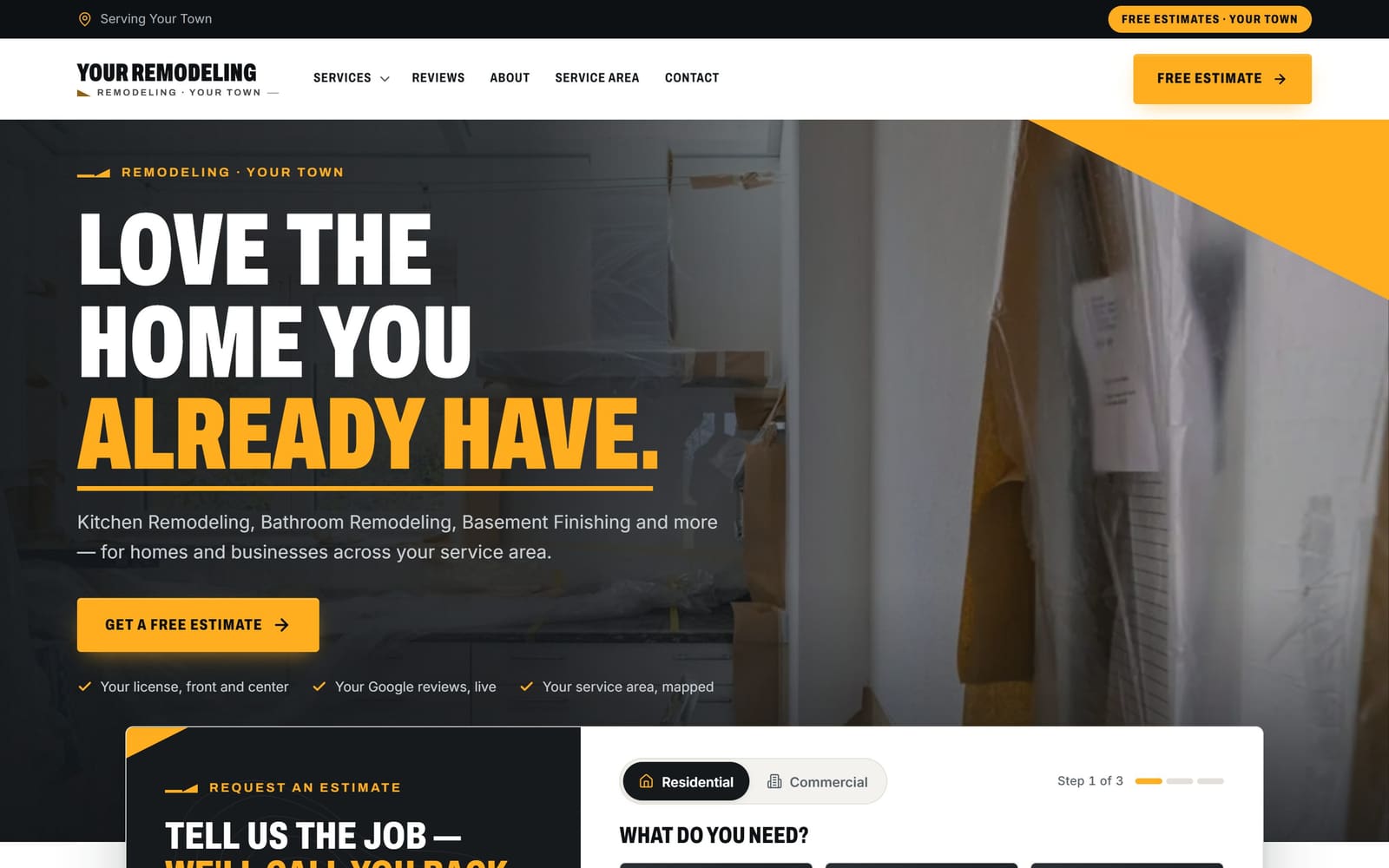
A sample remodelers website, the kind Vevang builds and keeps improving.
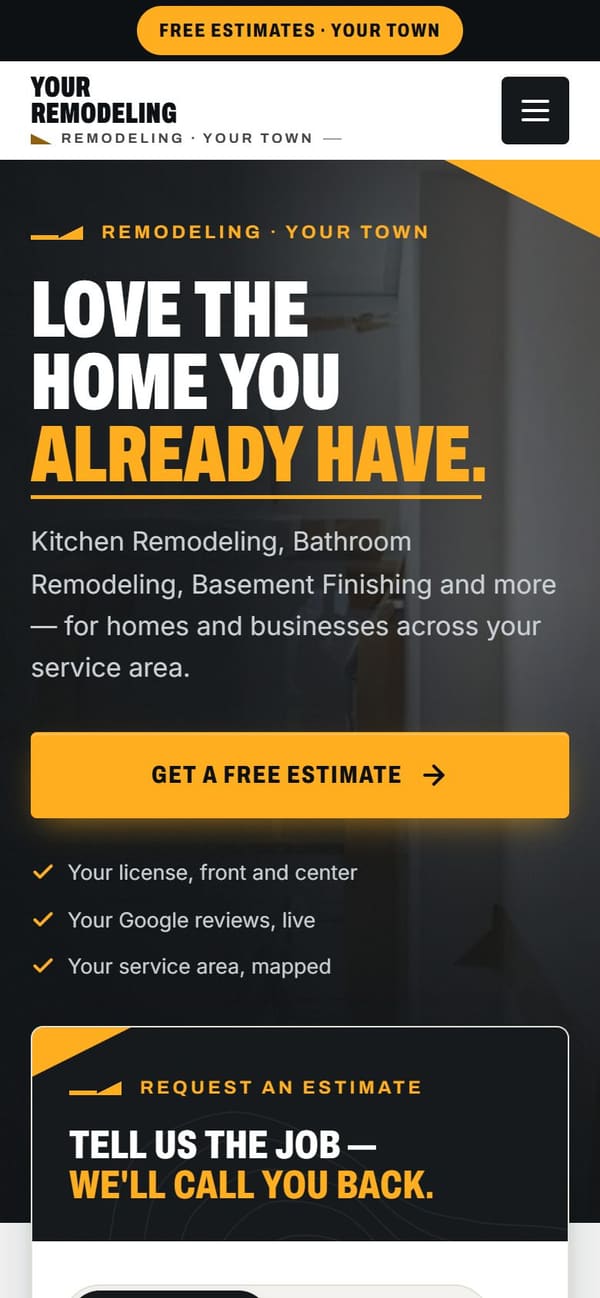
The same sample site on a phone.
Sample demo · the kind of site we build for remodelers

What does this include?

Vevang Sites sets up and runs your Google Business Profile: categories like kitchen and bathroom remodeler, services, service area, hours, room-by-room project photos, posts and Q&A. We connect every profile link to a matching page on the site we build, then keep both current each week.

Why it matters

Why it’s different for your trade.

01

The photo tab is your first showroom

A homeowner comparing remodelers opens your photos before anything else. They are hunting for a kitchen shaped like theirs, in a house like theirs. A thin or half-finished profile reads as a company that finishes work the same way.

02

Categories decide which searches find you

Bathroom Remodeler, Kitchen Remodeler and Basement Remodeler surface for different homeowners than General Contractor does. Choose by the work you want on the schedule next spring, not by the mix of jobs you were taking five years ago.

03

Remodel buyers are nervous before they dial

Permits, dust, living in the house during demo, how change orders get priced, whether financing exists. When your services and Q&A cover that, the first call starts with picking a consultation time instead of a round of suspicion.

What we do

The work, step by step.

01

Claim it and clear the duplicates

We find every listing carrying your name: the one at your old shop address, the one a supplier created, the unverified one with a dead phone number. You keep one verified profile. The rest get merged or removed so reviews and photos stop splitting.

02

Set categories and a real service list

Primary category goes to the work you want most. Then secondary categories and a service list that mirrors your jobs — kitchen remodel, bath remodel, basement finishing, whole-home, additions. Each service gets a sentence in your words, not filler copy.

03

Decide what address the map shows

With a showroom or design studio, we publish it and post hours homeowners can actually walk in during. Working from home, we verify and then hide the address, setting the towns you drive to for consultations so the listing stays eligible.

04

Build the photo tab like a portfolio

Finished projects go in room by room, captioned with the room, the style and the town. Wide shots, a couple of details, befores where you have them. Job-site clutter and blurry phone snaps come out. New projects go in as they close.

05

Answer the questions before they are asked

We seed the Q&A with what every consultation covers: permits, timeline, who handles selections, whether the family can stay in the house, how payments are staged. Posts follow your season — booking summer kitchens in January, holiday-ready baths in late summer.

06

Connect the profile to the site and count the calls

Services and posts link to matching pages, not the homepage: kitchens to the kitchen page, basements to the basement page. Call and form tracking shows which consultation requests came off the map. SEO Ranker keeps profile and site agreeing each week.

Common mistakes

What usually goes wrong.

General Contractor as primary when kitchens pay the bills

It is a broad category that stacks you next to framers, deck builders and roofers. A homeowner searching for a kitchen remodeler nearby may never see you. Match the primary category to the work your crews do best and want more of.

Publishing the home office address

Neighbors stop by wanting a price on a storm door and small-repair calls climb. You can verify at home and then hide the address. The profile still works for service-area searches, and consultations happen in the client's kitchen or your showroom.

A photo tab that stopped updating

Your style, your trim packages and your crews have all moved on. Old photos still shape what homeowners ask you to bid. Add each project as the punch list closes and retire work that no longer represents what you sell.

Sending every link to the homepage

Someone who tapped your bathroom service wants bathrooms. Dropping them on a homepage with a hero video makes them start the search over. Point each service and post at the page showing that room, its process and its gallery.

Checklist

What you can check today.

  • Search your company name in Maps and claim or merge duplicates.
  • Set the primary category to the room type you most want to sell.
  • List each remodel type as a service with one honest sentence.
  • Hide your home address and set the towns you truly drive to.
  • Upload photos from your last finished kitchen or bath, captioned by room.
  • Post Q&A answers on permits, timeline and payment stages.
  • Link each service to the matching page on your site.
  • Reply to every review, including the one about a schedule slip.

How it works

You see it first. Then you decide.

You don’t sign anything to see it. Book a time, and your demo is ready before we talk.

  1. 01

    Book 15 minutes

    Pick a time — often the same day. Tell us your website, or just your business name and city.

  2. 02

    We build your demo

    Before the call, we build a demo of your new website from your real business: your services, your area, your reviews.

  3. 03

    See it, then decide

    We walk you through the demo on the call. You see exactly what you’d get before you spend anything.

  4. 04

    Launch, then improve weekly

    We build it for real and put it live. After launch, the SEO Ranker agent keeps improving it every week.

15 minutes on Google Meet. No obligation.

Questions

Straight answers.

Should my primary category be General Contractor or Kitchen Remodeler?

Pick the category for the work you want more of. If kitchens carry your schedule, make Kitchen Remodeler primary and add Bathroom Remodeler, Basement Remodeler and General Contractor as secondary. The primary carries the most weight in which searches surface your listing, and you can change it as your mix of work changes.

I run the business from home. Do I have to show the address?

No. Verify at your home address, then hide it and set a service area covering the towns you actually work in. Your listing stays eligible for map results. If you have a design studio or showroom homeowners can visit during posted hours, publish that address instead — selections appointments are a real reason to walk in.

The profile keeps bringing drywall patch and handyman calls. How do I stop that?

Tighten the signals. Drop categories like Handyman or Construction Company if you do not want that work, keep the service list to remodels and additions, and show whole-room projects in your photos. Explain on the linked page what a typical project involves. Some small requests will still come in, but far fewer.

How often should I add photos?

Every finished project. Your photo tab is the portfolio homeowners scroll before they call, and dated work reads as a dated company. As each punch list closes, add wide room shots, a detail or two, and the before if you took one. Caption each with the room, the style and the town.

Can you guarantee we show up in the map pack?

No, and nobody honestly can. Map results move with distance, categories, reviews, photos and changes Google makes on its own. What we control is steady work: accurate categories and services, fresh project photos, answered questions, replies to reviews, and a site that matches the listing. SEO Ranker revisits all of it weekly instead of once at launch.

Do posts actually matter for remodelers?

They help most during planning season. A short post about a finished basement, or a January note that you are booking summer kitchens, gives a homeowner something current to read while they compare three companies. Posts expire, so they need a rhythm. We write them from the projects you finish so the profile never looks abandoned.

Does the profile help when homeowners ask an AI assistant for a remodeler?

Assistants read the same public details: categories, service area, hours, reviews and the pages your profile links to. When the listing says kitchen and bathroom remodeling in named towns and your site says the same in plain language, you are easier to describe accurately. No one can promise an assistant will name you.

We have a showroom in one town and build in five. Separate profiles?

One profile per real, staffed location. A showroom with posted hours where clients meet a designer earns its own listing. A city where you only build does not — add it to the service area on the profile you have. Extra listings split your reviews and photos and tend to get merged or suspended.

More for remodelers

One team for the whole job.

Reviewed 2026-09-24

Your demo is free

See your new website on the call.

Tell us your website — or your business name and city — and pick a time. We’ll have your demo ready before we talk.

Pick a 15-minute time. Your demo is built before the call.