Storm calls never start on page two
A homeowner standing in the yard at 6am with a pine across the driveway taps the map, not a blue link. Whatever your profile shows in that moment decides whether the phone rings at your shop or the next one.
 Sites/ Tree services · Google Business Profile
Google Business Profile management · Tree services
The map listing is where a homeowner with a limb through the porch roof starts. This is how to make yours the one that gets the call.
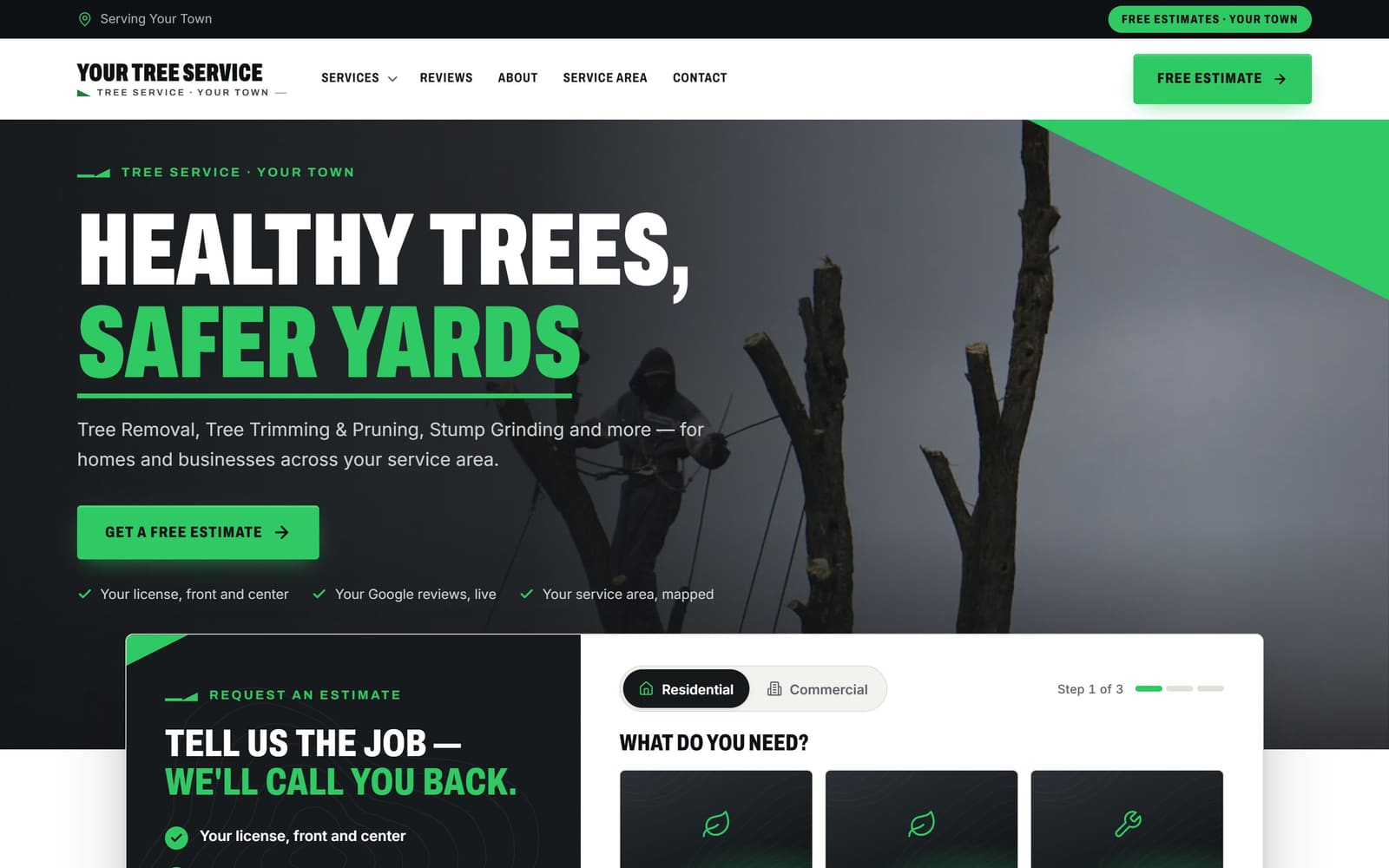
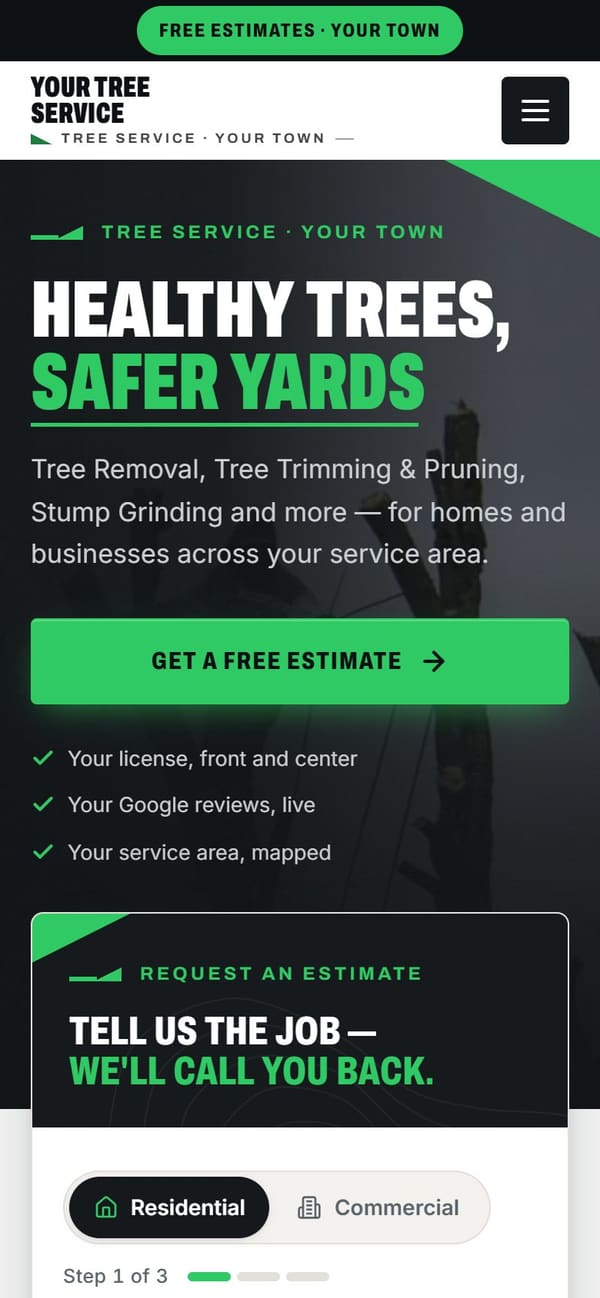
Vevang Sites sets up and completes your Google Business Profile: tree-specific categories, service list, service area, storm hours, photos and Q&A. We connect it to your website so both agree, request and reply to reviews, and our SEO Ranker agent keeps the profile active every week.
Why it matters
A homeowner standing in the yard at 6am with a pine across the driveway taps the map, not a blue link. Whatever your profile shows in that moment decides whether the phone rings at your shop or the next one.
Removing a leaning oak over a roof takes a bucket truck or a crane, and homeowners know it. Photos of your equipment and reviews mentioning a clean yard settle the question before anyone dials.
When someone asks an AI assistant about emergency tree work nearby, it pulls from public sources like your profile and your site. When categories, hours and service areas disagree, you look unclear at the exact moment clarity matters.
What we do
Primary category stays Tree service. Add secondary categories that match real work: arborist, stump grinding, land clearing. Wrong primary category is the single fastest way to disappear from removal searches and show up for mowing instead.
If homeowners never visit your yard, hide the address and set a service area by the towns and counties your crews actually reach. Cover where you will send a chipper, not where you wish you worked.
List removal, emergency storm work, trimming and pruning, stump grinding, lot clearing, crane-assisted removal, arborist consultations. Write each description in plain words, then point it at the page on your site that covers the same work.
Show a crane pick over a house, a climber tied in, the chipper working, the lawn raked clean at the end. Add a shot of the crew and truck with your name visible so arrivals match the listing.
If you take storm calls at night, say so and make sure someone picks up. Add your emergency line as the main number during storm weeks. Nothing loses work faster than a full voicemail after an ice event.
Post dormant-season pruning in winter and cleanup availability after high wind. Answer questions about insurance claims and permits in Q&A. Ask every customer for a review, and reply to each one, including the rough ones.
Common mistakes
Plenty of tree companies started in lawn care and never changed the primary category. Now the profile competes for mowing and mulch instead of emergency removal, which is the work that pays for the bucket truck.
Wind does not arrive on a schedule. A profile showing closed on a Saturday night tells a homeowner with a tree on the bedroom to keep scrolling, and the insurance-paid cleanup behind that job goes with them.
Clean grass proves nothing about reach or rigging. Without pictures of the crane, the bucket and the grinder, a homeowner worried about a tree over a pool assumes you cannot get to it safely.
Unanswered questions, old hours and reviews with no reply make a busy company look closed. Old duplicate listings from a former business name split your calls and confuse people trying to reach you.
Checklist
How it works
You don’t sign anything to see it. Book a time, and your demo is ready before we talk.
Pick a time — often the same day. Tell us your website, or just your business name and city.
Before the call, we build a demo of your new website from your real business: your services, your area, your reviews.
We walk you through the demo on the call. You see exactly what you’d get before you spend anything.
We build it for real and put it live. After launch, the SEO Ranker agent keeps improving it every week.
Questions
Tree service, in nearly every case. That is the category tied to removal and storm searches. Keep arborist, stump grinding and land clearing as secondary categories so those jobs still find you. If you also mow or install landscaping, keep that lower down. Your primary category should match the work you most want dispatched to your crew.
If homeowners do not come to your yard to buy anything, hide the address and define a service area instead. List the towns and counties you genuinely send crews to. A storage lot or a home driveway shown as a storefront can cause verification trouble, and it invites calls from people expecting to walk in.
Yes, if someone really answers. Set hours that reflect who picks up at 2am after a wind event, and use the special hours feature around holidays. If your overnight coverage is seasonal, adjust it when the season turns. Hours that promise a live answer you cannot deliver create bad reviews and wasted trips for the caller.
Often enough that the listing never looks abandoned. Practical rhythm: a post after any storm saying crews are running, dormant pruning posts in late fall and winter, and a stump grinding or lot clearing post when the schedule opens. We handle posting as part of weekly upkeep so it does not fall to you during a busy week.
No, and nobody honestly can. Google decides local ranking, and proximity to the searcher plays a large part. What we control is the work that helps: correct categories, a complete service list, real photos, accurate service areas, steady reviews and a site that matches the listing. Then SEO Ranker keeps improving it every week.
They matter more here than in most trades. A homeowner is trying to guess whether your equipment can reach a tree leaning over their roof or a fence line. Pictures of a crane pick, a climber in the canopy, the chipper running and a raked lawn answer that question faster than any paragraph on your site.
Ask every customer, including the insurance jobs and the small trimming calls. A steady flow beats a burst after one big storm. Reply to each review, and reply calmly to complaints about ruts or sawdust with what you did to fix it. We send the requests and draft the replies for you to approve.
Every service on the listing should lead to a page that covers the same work, so a homeowner clicking emergency storm service lands on that page and not your home page. Name, number, service areas and hours must match across both. We build the site and manage the profile together, which is why they stay in agreement.
More for tree services
Reviewed 2026-09-24
Your demo is free
Tell us your website — or your business name and city — and pick a time. We’ll have your demo ready before we talk.