Emergency calls start on the map
A burst supply line does not get researched. The homeowner taps the map pack and calls the top listing that looks open. If your hours, phone and category are wrong, that call goes to the plumber listed under you.
 Sites/ Plumbers · Google Business Profile
Google Business Profile management · Plumbers
Your map listing is what a homeowner standing in water sees first. We set it up, keep it active, and make it agree with your website.
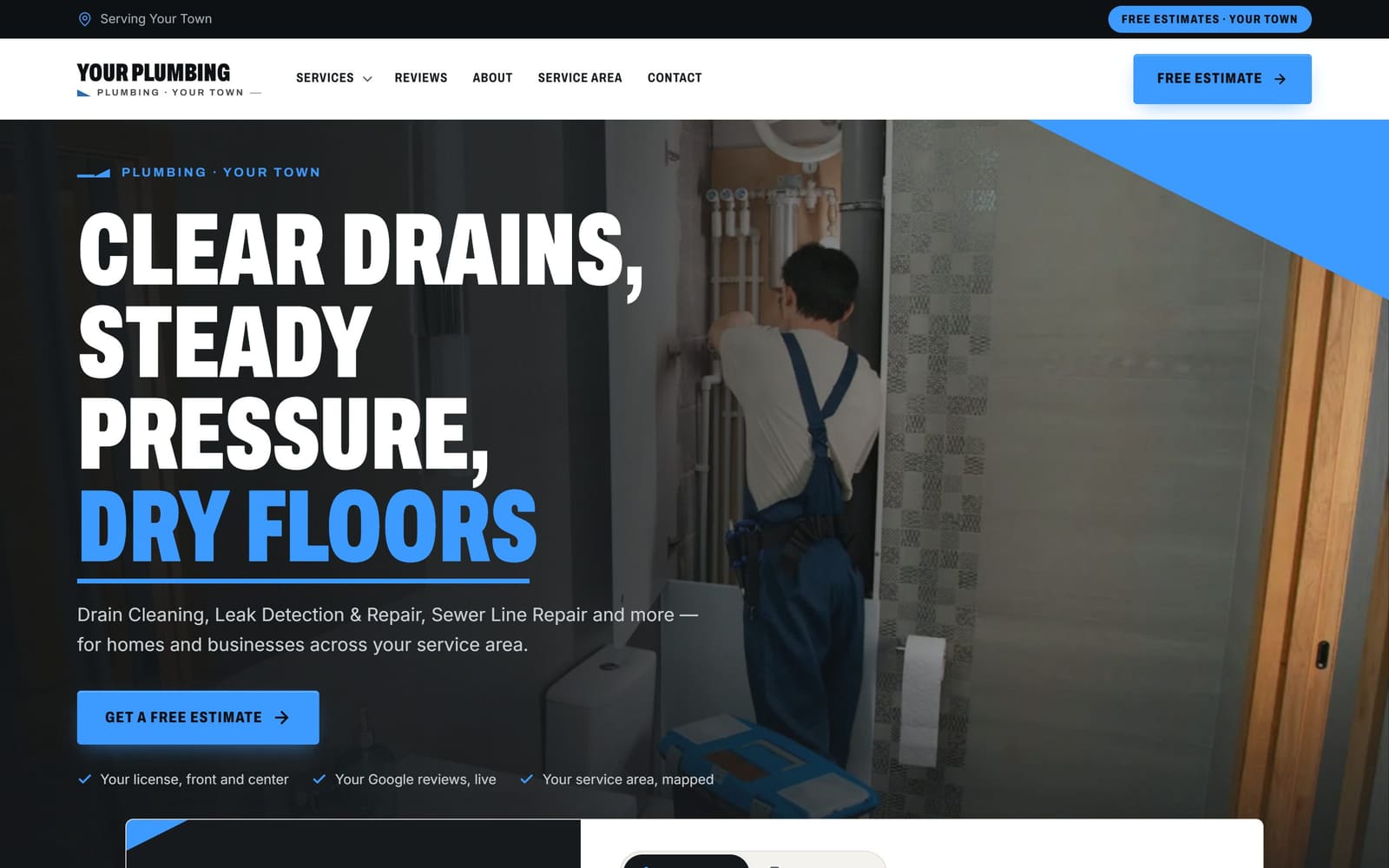
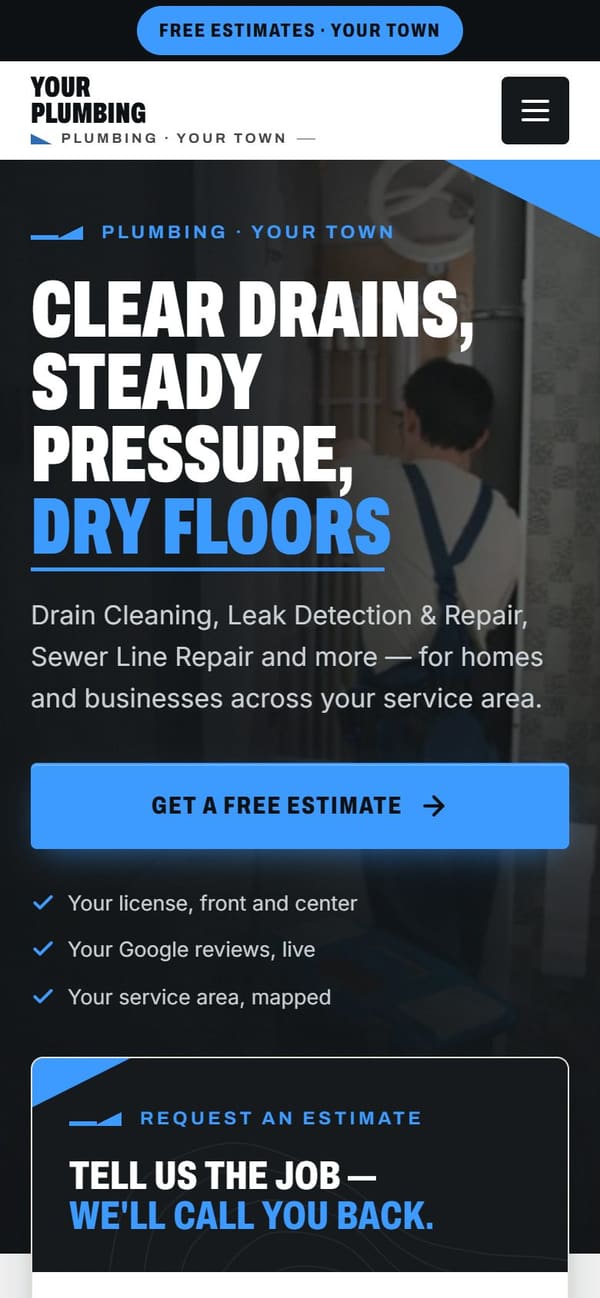
Vevang Sites builds and manages your Google Business Profile: correct plumbing categories, service list, service area, hours, photos, posts and Q&A. We connect each listed service to the matching page on the site we build, request and reply to reviews, and track the calls the listing sends you.
Why it matters
A burst supply line does not get researched. The homeowner taps the map pack and calls the top listing that looks open. If your hours, phone and category are wrong, that call goes to the plumber listed under you.
Categories and services tell Google whether you are a drain cleaning option, a water heater option, or a repipe option. Leave them thin and you get shown for whatever Google guesses, which is usually the cheapest small job.
Google compares your profile to your website. Different hours, a different phone number or services on the map that appear nowhere on the site make you look less certain. Matching them is dull work that quietly helps.
What we do
We verify the profile in your name and remove old access. Many plumbers find a former marketing vendor or a past office manager still holds the keys. You should own the listing that owns your phone.
Primary category is Plumber. We add secondary categories only for work you actually do and can show, such as drainage, water softening or hot water systems. Wrong or padded categories pull in calls you do not want.
Drain cleaning, hydro jetting, sewer camera inspection, water heater replacement, leak detection, repiping, sump pumps, toilet and faucet repair. Each one gets a short plain description written the way a homeowner would describe the problem.
If you answer at 2am, hours say so and someone picks up. If you do not, we set real hours so nobody calls a voicemail. Service area matches the cities on your site, and the number rings your dispatch.
Your van, your techs, a new water heater strapped in, a cleared main line, a repiped basement. Then posts through the year: freeze warnings before a cold snap, drain help after the holidays, sump pump checks before storms.
Each listed service links to the matching page we built, not the homepage. Call and form tracking shows which map calls turned into jobs, and SEO Ranker keeps the profile and pages improving every week.
Common mistakes
Emergency hours are a promise. If a 1am call hits voicemail, you get the missed call and a review that says nobody picked up. Either staff the phone or set the hours you actually work.
Plenty of plumbers set the Plumber category and stop. Google then has no idea you jet grease lines, scope sewers or install softeners, so you get drip calls while the sewer replacement goes to someone else.
Someone searching water heater replacement lands on your homepage and has to hunt. Point the water heater service at the water heater page, the drain service at the drain page. Fewer clicks, more booked visits.
Homeowners can tell. Photos of your actual trucks, techs in branded shirts and finished work do more to earn a call than any catalog image, and they show you are a real local crew.
Checklist
How it works
You don’t sign anything to see it. Book a time, and your demo is ready before we talk.
Pick a time — often the same day. Tell us your website, or just your business name and city.
Before the call, we build a demo of your new website from your real business: your services, your area, your reviews.
We walk you through the demo on the call. You see exactly what you’d get before you spend anything.
We build it for real and put it live. After launch, the SEO Ranker agent keeps improving it every week.
Questions
No, and nobody can. Google weighs distance, relevance and prominence, and none of it is for sale. What we control is accuracy and activity: right categories, complete services, real photos, steady posts, replies to reviews and a site that backs up every claim. That is the work that moves listings.
Hide it and set a service area instead. Google allows service area businesses to keep the address private, which is normal for plumbers who drive to every job. List the cities and towns you actually cover, and keep that same list on your service area pages.
They keep the listing active and give a homeowner something current to read. Posts work best when they match the season: frozen and burst pipe help during a cold snap, drain advice after big holiday meals, sump pump checks before a wet stretch. We write and schedule them for you.
Yes, if it is handled correctly. We set tracking so calls ring your normal line and your real number stays listed as an additional number. You see which map calls came in and what they were worth, without breaking the consistency Google checks.
Primary is Plumber. Add secondary categories only for work you genuinely perform and can show on your site, like drainage or water treatment. Padding the list with categories you do not serve pulls in calls you will turn down and muddies what Google thinks you do.
We send a review request to customers after the job, every customer, not a selected few. Then we draft replies to what comes in, including the rough ones. We never write, edit or trade for reviews. A calm reply to a complaint often reads better to the next homeowner than a perfect score.
Assistants like ChatGPT, Gemini and Perplexity read the open web, so consistent facts help them describe you correctly. We keep your services, areas, hours and license details stated plainly in both places. No one can promise an assistant will name you, and we will not claim otherwise.
We build a demo of your plumbing site before we talk, so you are looking at real pages instead of a pitch deck. We review your current profile live, point out what is missing or wrong, and tell you what we would fix first. Book a call.
More for plumbers
Reviewed 2026-09-24
Your demo is free
Tell us your website — or your business name and city — and pick a time. We’ll have your demo ready before we talk.