You don’t command a field operation from a spreadsheet. Most of what you run happens in physical space — customers, job sites, suppliers, the people doing the work. A list of rows hides all of it. The map is how you finally see your business the way it actually exists: on the ground, everywhere at once.
Your whole operation, one screen.
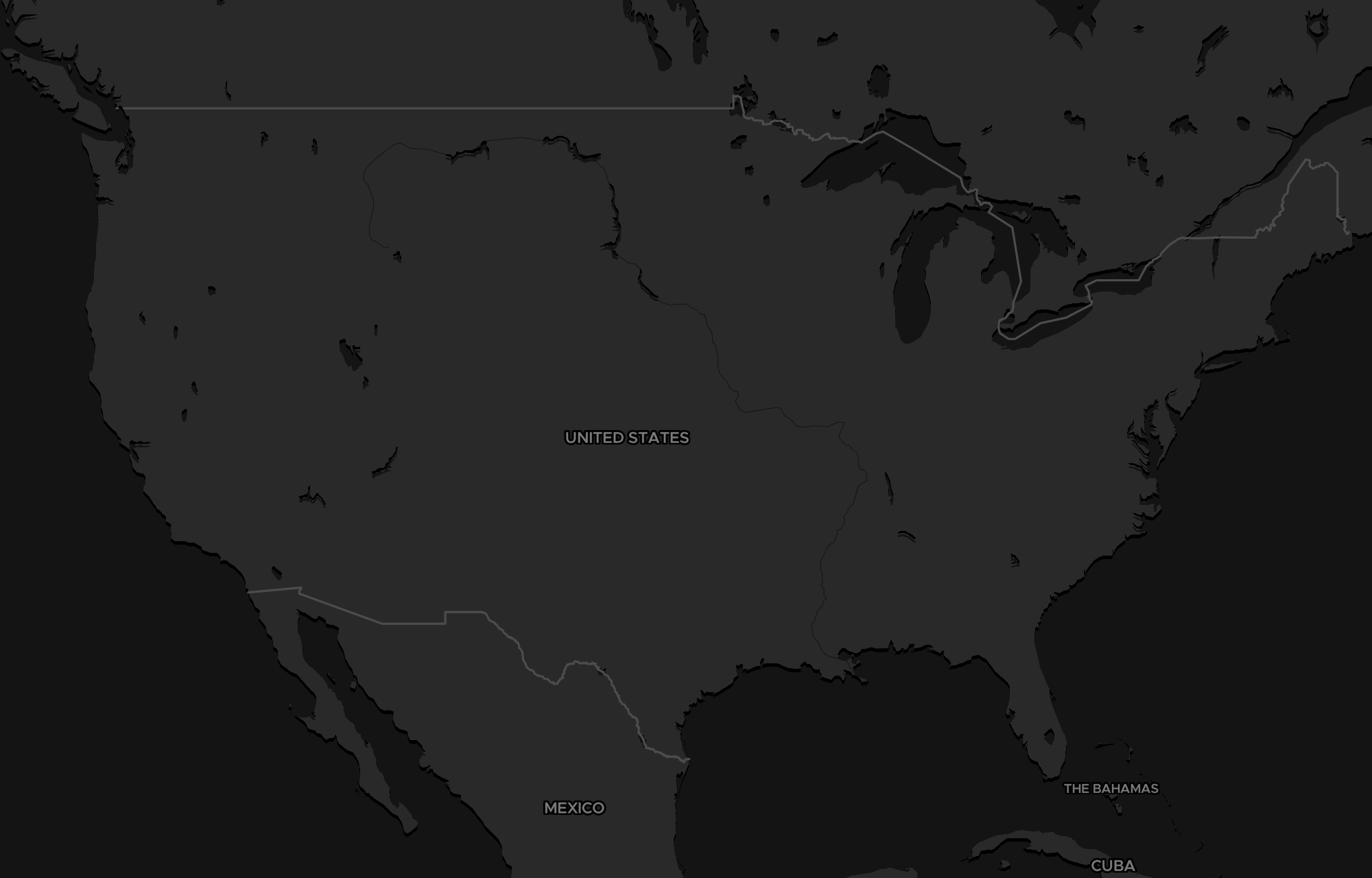
The Command map plots your real graph in physical space — every located party and job, colored by the lens you choose. It isn’t a pin board you maintain by hand; it’s your live business, on a map.
Every account, by value
Sized and colored from your general ledger — your best customers are visibly your best, not a guess.
The supply side, in the open
Who you buy from and where — the other half of your operation, on the same board.
People and crews
The locations on record for the people doing the work — home, office, or service area.
Where the work is
Plotted on the ground with their phase — the field, not a Gantt chart buried in a tab.
Pipeline on the pin
Every open opportunity surfaces on its account — open value and stage, right where it lives.
Coverage & areas
Draw a radius or a box and read the operation inside it — routes, service areas, whitespace.
A working surface, not a picture.
The map is something you operate. Recolor the whole board by a single lens, search a radius, draw a territory, measure a route — and click any pin to drop straight into the record behind it.
Recolor by one question
Read the whole map by Value, Stage, or Type in a click — see the operation through the question you're asking right now.
Radius around a point
Drop a point and pull everything inside a geodesic radius — yours and the field around it.
Box-select a territory
Drag a rectangle and everything inside becomes a working selection you can act on.
A real ruler
Trace a path and read true geodesic distance — routes, service areas, how far a crew really has to go.
A lens over your real business — not a separate map.
Other tools hand you a map you sync to and maintain. Command’s map is a view of the same graph that runs your books and your pipeline— the ontology. A pin isn’t a dot you dropped; it’s your customer, carrying live value from your general ledger and live stage from your pipeline. Change the books, and the map changes with them.
And it stays honest: agents propose, you confirm, and money-out is human-only — welded at the database. The map shows you the truth of your operation; it never acts on it behind your back.
Good to know.
Your whole operation in physical space: every located customer, vendor, and team member, every job and project, and every open deal — on one live map. Each pin is a real record from your Command graph, colored by the lens you pick (value, stage, or type), and you can drill straight into any of them.
Your whole operation.
One map.
See it on your own business — book a demo and watch your customers, jobs, and crews light up across the country. Or start self-serve and command the field yourself.